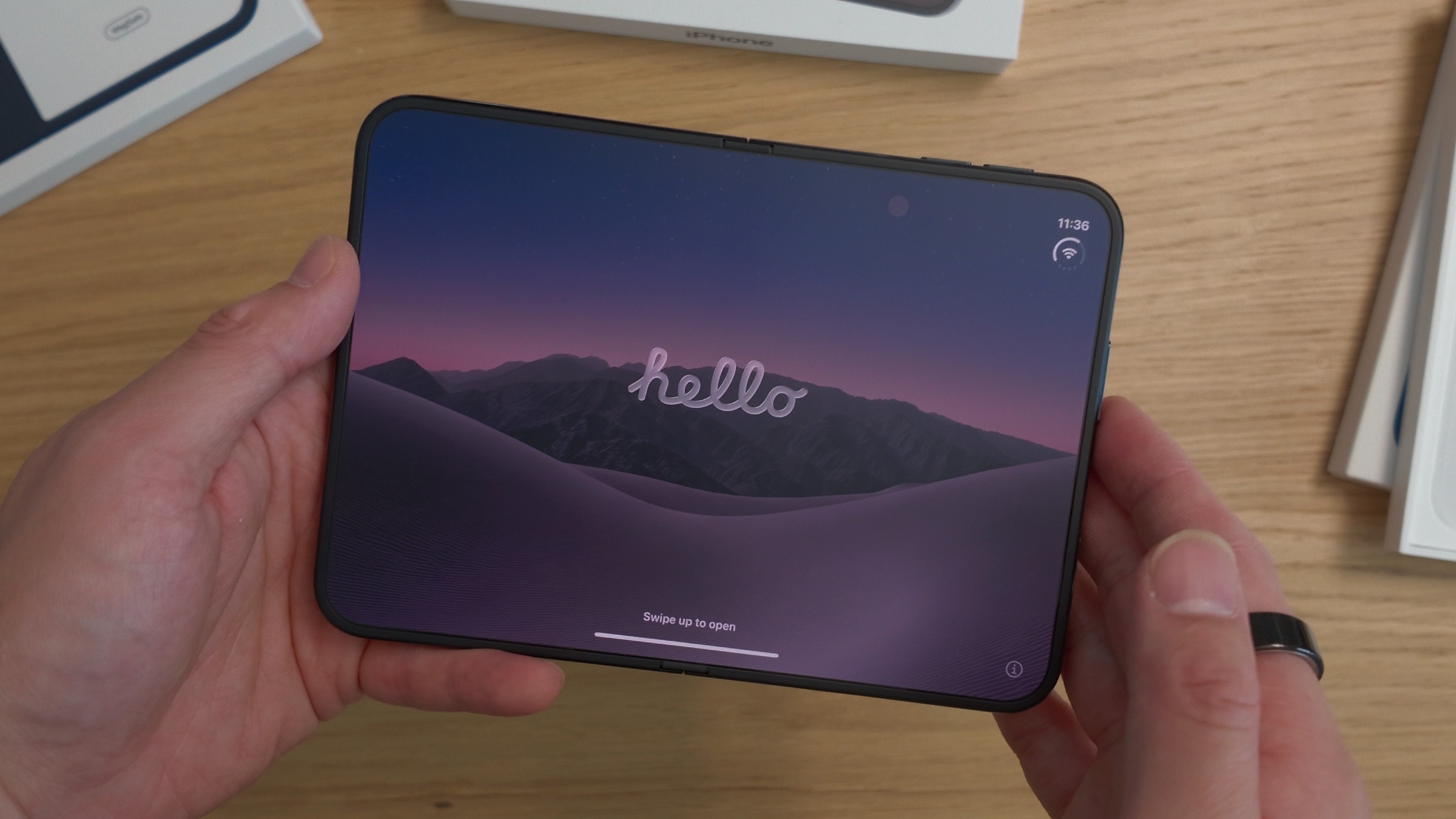
A Week With the iPhone Duo: A Refreshing Experience, With Some Trade-Offs
It’s been a while since a new phone made me feel genuinely excited.
After watching countless reviews and spending way too much time deciding which color to get, I finally got my hands on the iPhone Duo.
And honestly? It’s been a refreshing experience.
I’ve been using it for several days now, and while there’s a lot to love, there are also quite a few things that take some getting used to.
Here are my thoughts so far.
1. The Inner Display Changes Everything
The inner display is really the whole point of the iPhone Duo.
Coming from a traditional iPhone, I’ve realized that switching to a foldable isn’t just about having a bigger screen. It’s about changing how you use your phone.
With a regular iPhone, everything happens on one screen. With the Duo, you have to gradually shift your habits toward using the inner display as your primary screen.
And that takes time.
I still catch myself using the outer display for things I could probably enjoy more on the larger screen.
It’s not necessarily a bad thing. It’s just a different way of interacting with a phone.
Smaller Than I Expected
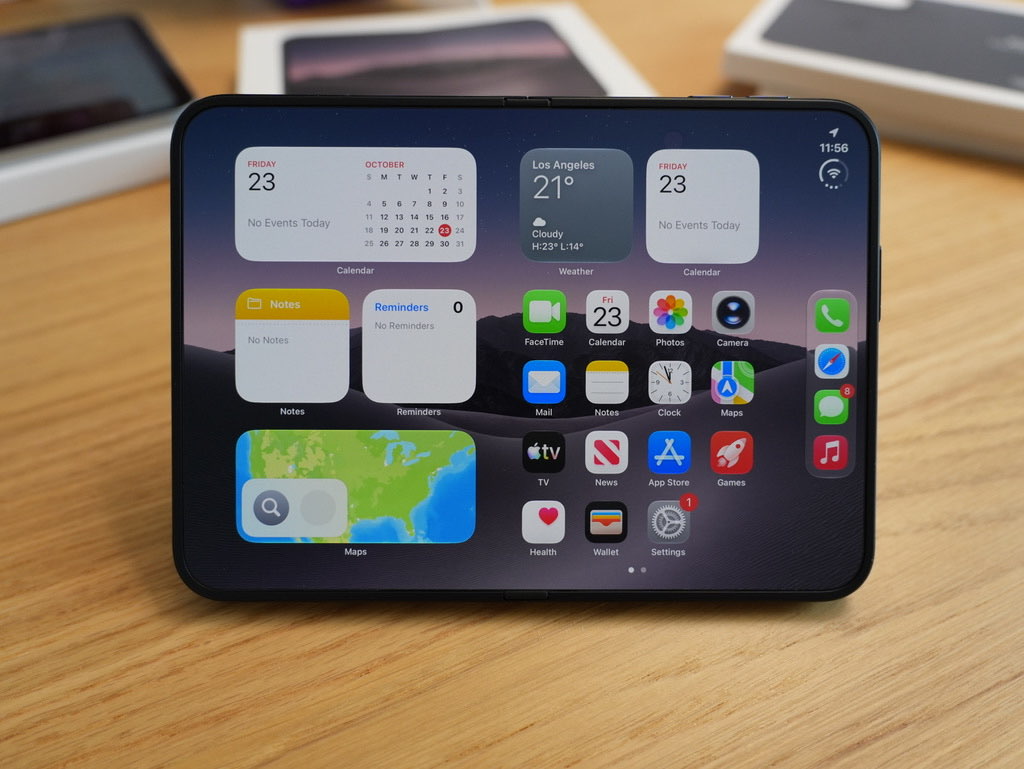
One thing that surprised me was the size.
Before getting the Duo, I’d watched tons of reviews trying to understand how big it would actually feel.
I even used my iPad mini as a reference to get a better sense of its dimensions.
But once I finally got the Duo in my hands, it felt smaller than I’d imagined.
It’s one of those things that’s difficult to judge from videos alone.
2. Apple Really Nailed the Crease
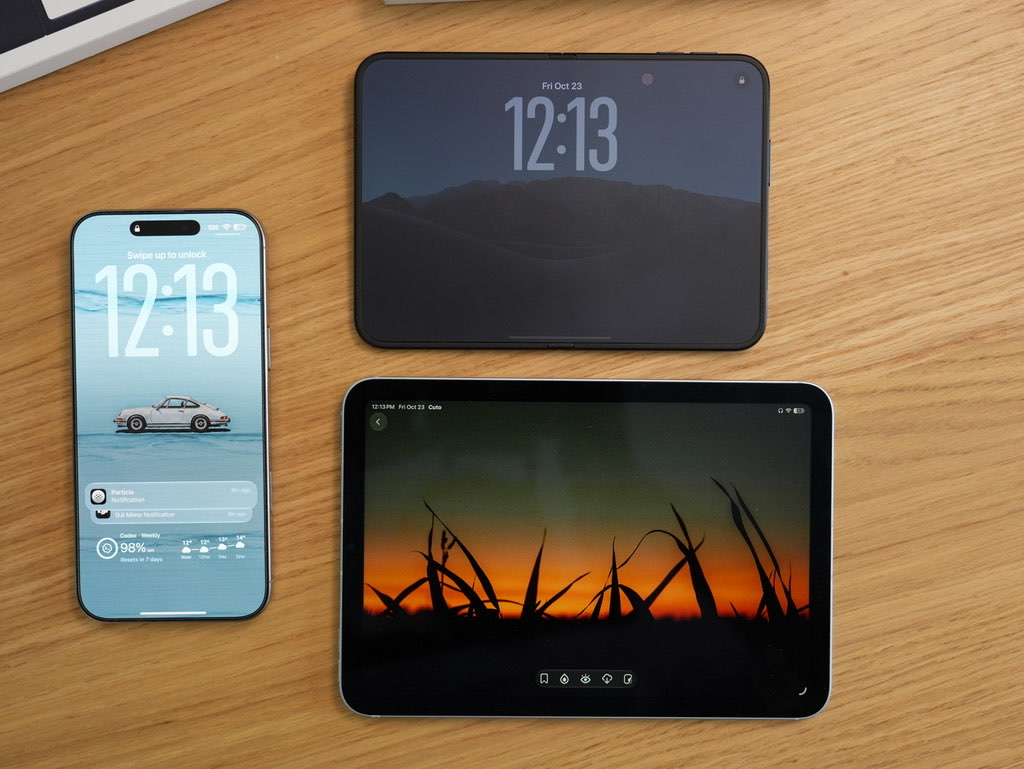
One of my biggest concerns about foldable phones has always been the crease.
Other manufacturers have spent years trying to make it less noticeable, both visually and physically.
But I feel like Apple finally nailed it.
What impressed me most wasn’t just how the crease looks, but how it feels when you swipe across the inner display.
Apple clearly put a lot of effort into reducing that sensation.
It’s one of those small details that makes a surprisingly big difference in everyday use.
3. Face ID to Touch ID Is Definitely a Downgrade
This is probably one of my biggest complaints.
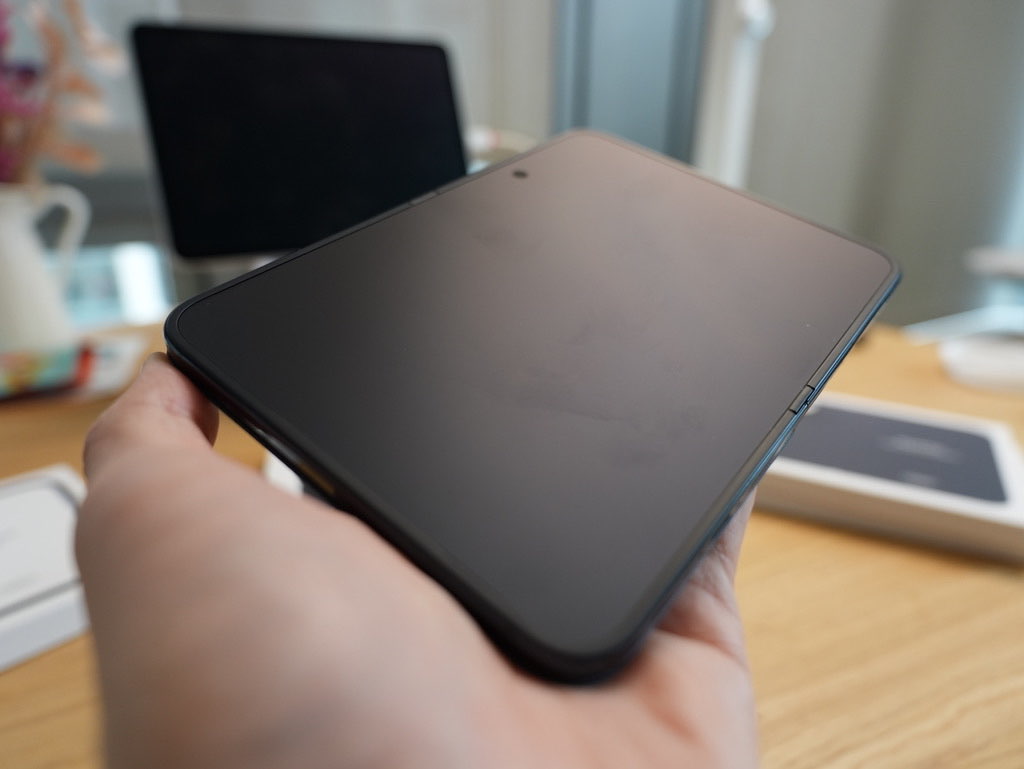
Going from Face ID to Touch ID feels like a step backward.
Sure, Apple Watch helps with unlocking the phone, but that doesn’t solve everything.
Imagine using 1Password to autofill a password and having to reach for the Touch ID button every single time.
It gets annoying pretty quickly.
With Face ID, authentication happens almost effortlessly. You barely think about it.
With Touch ID, you’re constantly reminded that you need to physically place your registered finger on the button.
It’s not a dealbreaker, but it’s definitely something I miss from my previous iPhone.
4. The Volume Button Placement… 🤣
Enough said.
Seriously, this is one of those things you notice immediately when switching from a regular iPhone.
I’m still getting used to it.
5. Wireless Charging Is a Little More Complicated
I drive a Tesla Model Y, and wireless charging has been a mixed experience.
The good news is that the built-in charging pad works fine with the iPhone Duo.
However, my third-party wireless charger has some compatibility issues.
The main problem is the phone’s thickness when folded.
A lot of accessories were designed around the dimensions of traditional smartphones, and the Duo doesn’t always fit those expectations.
It’s something worth considering if you rely heavily on wireless charging accessories.
6. Your MagSafe Wallets Might Not Fit Perfectly
Another small but noticeable issue: MagSafe wallets.
I’ve tried several different wallets, and all my existing ones extend beyond the edge of the phone.
Why?
Because the Duo is shorter than a traditional iPhone.
It’s not necessarily a functional problem, but aesthetically, it doesn’t look quite right.
If you’re someone who regularly uses MagSafe wallets, this is worth keeping in mind.
7. Apple’s Official Cases Aren’t Perfect
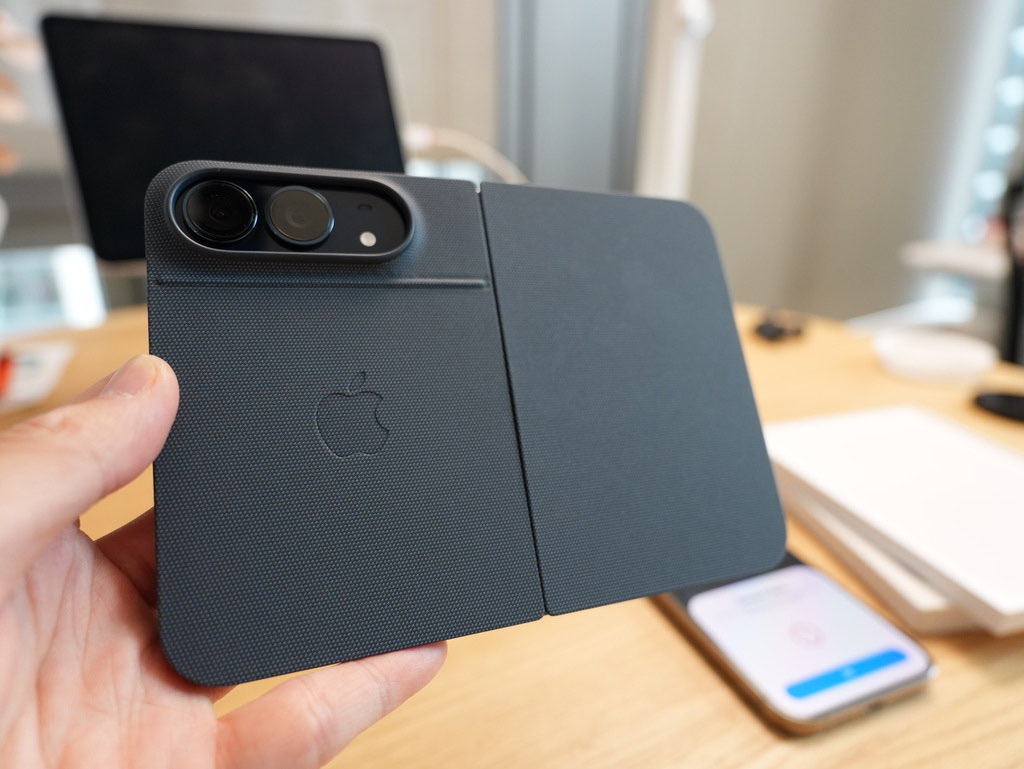
I’ve tried both of Apple’s official cases, and neither is ideal.
The Folio Case
The Folio case looks interesting, but its design introduces some practical inconveniences.
Here’s a simple scenario.
Imagine getting into your car, unfolding the Duo to use the larger display for navigation, and trying to attach it to your MagSafe car mount.
Sounds like a perfect use case for a foldable phone, right?
Unfortunately, when you open the Folio’s front cover, it folds over the back of the phone and blocks the MagSafe area.
So you can’t really use the unfolded display and the magnetic mount at the same time.
That’s frustrating.
The Other Official Case
The other case has a different problem.
Part of the case takes up space around the display, and the edges can dig into your hand.
I’ve used plenty of phone cases over the years, but this is the first one that’s actually made me change how I hold my phone.
That’s not something I expected from a case.
A Case With a Built-In Stand
I also tried a third-party case with a built-in stand.
The stand itself is great, but man, the case adds a lot of weight. 🥲
I eventually removed the front cover and started using just the back portion.
And honestly, it’s not bad!
I later discovered that the manufacturer sells a separate, more expensive leather version without the front cover.
Interesting option, although that particular design isn’t really my style.
8. T-Mobile’s iPhone Handoff Is Surprisingly Seamless
This is one of my favorite experiences so far.
I’m using T-Mobile’s iPhone handoff feature, which costs an additional $5 per month.
The idea is simple: you can move between your iPhones without constantly worrying about which one has cellular service.
You basically don’t have to think about cellular at all.
In my experience, it works with whichever iPhone I’m actively using and have unlocked.
Setting it up was surprisingly straightforward, too.
I just needed to configure my main phone, and that was pretty much it.
It’s one of those features that makes switching between devices feel effortless.
I really hope more carriers support something similar in the future.
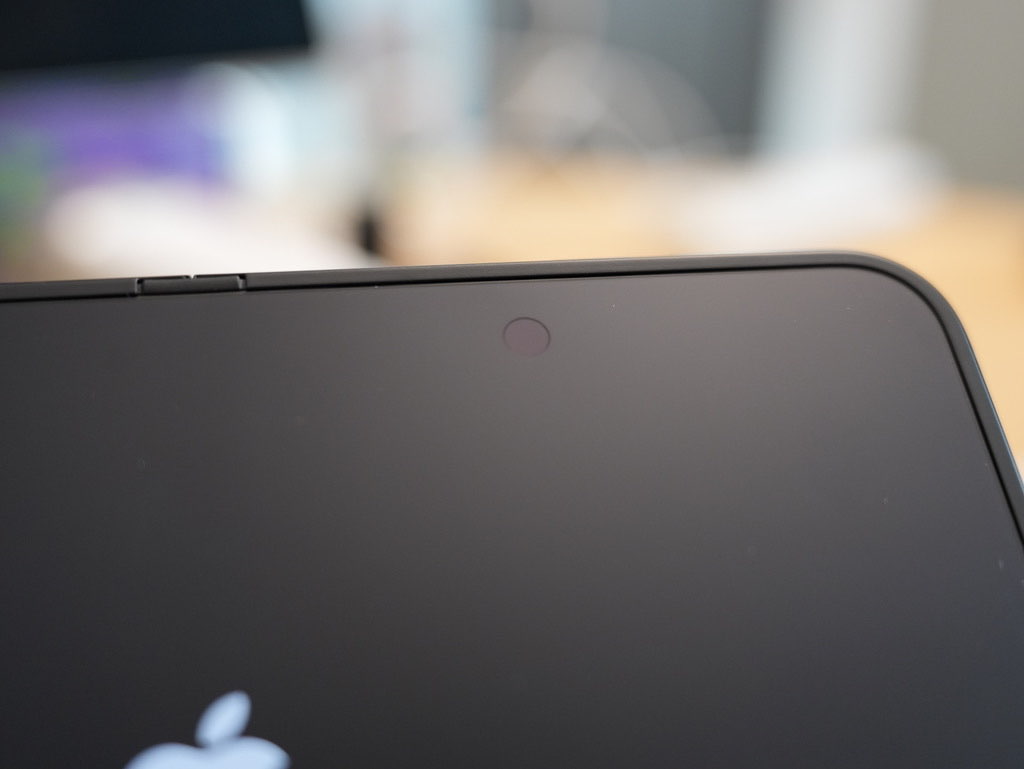
9. The Inner Display Camera Is Just Okay
Let’s keep this one simple.
The inner display camera gets the job done.
Just don’t expect too much from it.
It’s usable for what it needs to do, but it’s definitely not something I’d get excited about.
10. Independent Rotation Lock Is a Nice Touch
Here’s a small software detail I really appreciate.
The inner and outer displays appear to have independent rotation lock settings.
That means you can control screen rotation separately depending on which display you’re using.
It’s a tiny detail, but it makes sense for a device with two very different screen configurations.
Pretty neat!
11. Some Apps Still Need Better Optimization
One thing I’ve noticed is that not every app feels perfectly adapted to the Duo’s outer display.
For example, I came across a subscription paywall that took up a ridiculous amount of screen space.
Could this paywall take up any more space on the iPhone Duo’s outer screen? 😂
Jokes aside, this is something developers will need to think about.
The outer display has different dimensions from a traditional iPhone, and interfaces designed around standard screen sizes don’t always translate well.
As an iOS developer myself, I’m particularly interested in how apps will adapt to this new form factor.
12. A Surprisingly Fun Device for Apps
One of the things I love about the Duo is how it makes certain apps feel fresh again.
For example, I’ve been using Bezel to create iPhone Duo screenshots and videos.
The device frames look great, and I love how well the app supports the Duo.
I also bought a little grilled-cheese game called Toastie as soon as I got the phone.
The concept is simple, but playing it on the Duo is surprisingly fun.
Although I totally burned my first toast because I left it cooking for too long. 😂
These aren’t necessarily groundbreaking experiences, but they’re the kind of little things that make using a new device enjoyable.
Final Thoughts: A Different Kind of iPhone Experience
After several days with the iPhone Duo, I still feel like I’m learning how to use it.
And that’s actually part of what makes it exciting.
For years, upgrading to a new iPhone has mostly meant getting a better camera, a faster chip, or a slightly different design.
The Duo feels different.
It changes how you interact with your phone, how you hold it, how you use accessories, and even how you think about app interfaces.
Of course, there are trade-offs.
I miss Face ID. Some accessories don’t fit properly. The official cases could be better. And certain apps still need work.
But despite all that, I’m genuinely enjoying the experience.
It’s been a while since a new phone made me want to explore, experiment, and rethink some of my everyday habits.
And for me, that’s probably the most exciting thing about the iPhone Duo.
More thoughts to come as I spend more time with it.
Comments
Questions or thoughts? Join the conversation with your GitHub account. Comments are public.
You can also read and join discussions on GitHub ↗