On this page
Keeps works out what a thing costs per use from the uses you record. Tapping Log a use on an item is fine for a camera you take out on weekends. It is less fine for a water bottle you refill five times a day, or a car charger you never think about. Those are the things that should log themselves.
They can. Keeps has a Shortcuts action, Log a use in Keeps, that records a use of any item, and it runs even while your iPhone is locked. Pair it with a Shortcuts automation and the use is recorded the moment it happens, with no tap and no notification to dismiss.
Every item page in Keeps has a Log automatically button. It looks at the item and suggests the trigger most likely to fit, then lists the steps for each one in Shortcuts’ own words. Here are the three I use most.
When you open an app
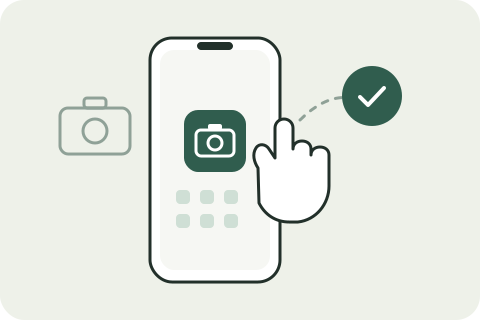
A lot of gear is used through an app: a camera through its companion app, a drone, an e-reader, a smart plug. Opening the app is as good a signal as any that you are using the thing.
- In Shortcuts, open Automation and tap +.
- Choose App, pick the app, and choose Is Opened. Choose Run Immediately so it never asks.
- Add the action Log a use in Keeps and pick the item.
If you open the app several times a day, turn on the action’s Only once a day option. Keeps then counts one use per day, however many times the automation runs.
Scan an NFC tag
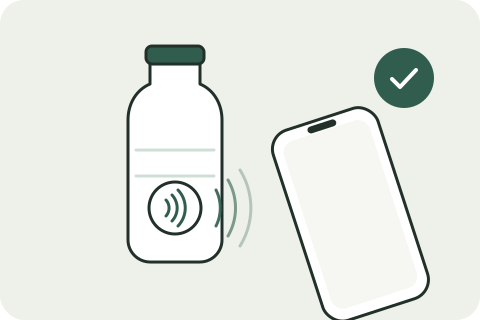
This is my favorite, because it works for anything at all. NFC tags cost a few cents each. Stick one on the item itself, or on the place it lives: the water bottle, the guitar case, the shelf where the board games are.
- In Shortcuts, open Automation and tap +.
- Choose NFC, tap Scan, and hold your iPhone near the tag. Give it a name.
- Add Log a use in Keeps and pick the item.
After that, refill the bottle, tap the phone against the tag, and the use is recorded from the Lock Screen. NFC automations run without asking, and the Keeps action needs no unlock.
When your car connects
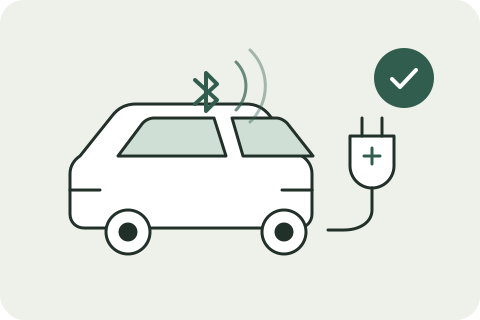
A car charger, a dash cam, a phone mount: things that only get used when the car does. The car itself gives the signal.
- In Shortcuts, open Automation and tap +.
- Choose Bluetooth, pick your car, and choose Is Connected. If your car uses CarPlay, CarPlay › Connects works too.
- Add Log a use in Keeps, pick the item, and turn on Only once a day so a run of short errands counts once.
The same trigger fits anything that pairs: headphones, a speaker, a keyboard.
More that fit
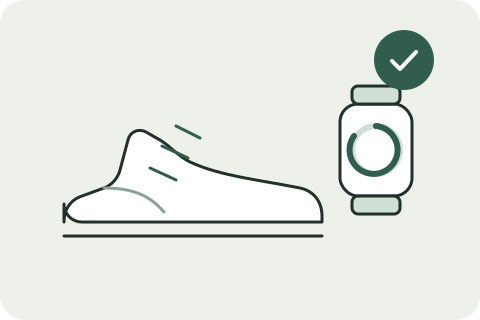
- When a workout ends on Apple Watch: running shoes, a bike, a racket.
- When you arrive somewhere: the gym bag, or a desk setup you only use at the office.
- At a time of day: the coffee machine every morning at seven.
Each is one trigger in Shortcuts and one Log a use in Keeps action, and Keeps’ Log automatically guide lists the exact steps for all of them.
What you get back
Every recorded use feeds the item’s cost per use and its history. A water bottle bought for $35 and logged 400 times is worth a different sentence than one logged twice. The daily check-in notification, if you turn it on, offers the items you have recorded lately; the automations quietly keep those numbers moving.
Keeps 1.2.1 is on the App Store for iPhone, iPad, and Mac. The Mac app has the same Shortcuts action; which automation triggers are available depends on Shortcuts on your Mac.
Comments
Questions or thoughts? Join the conversation with your GitHub account. Comments are public.
You can also read and join discussions on GitHub ↗